
Art & Design
The Social Screenshot Economy: Designing Worlds That Sell Themselves in a Single Frame
February 24, 2026 / Orion's Gate Team
In 2026, discoverability is visual. Learn how to design screenshot-ready game worlds-from composition-first level art and “readable” color scripts to photo-mode tooling, emote staging, and social hubs that generate shareable moments. Includes Web3 examples and numbered references.
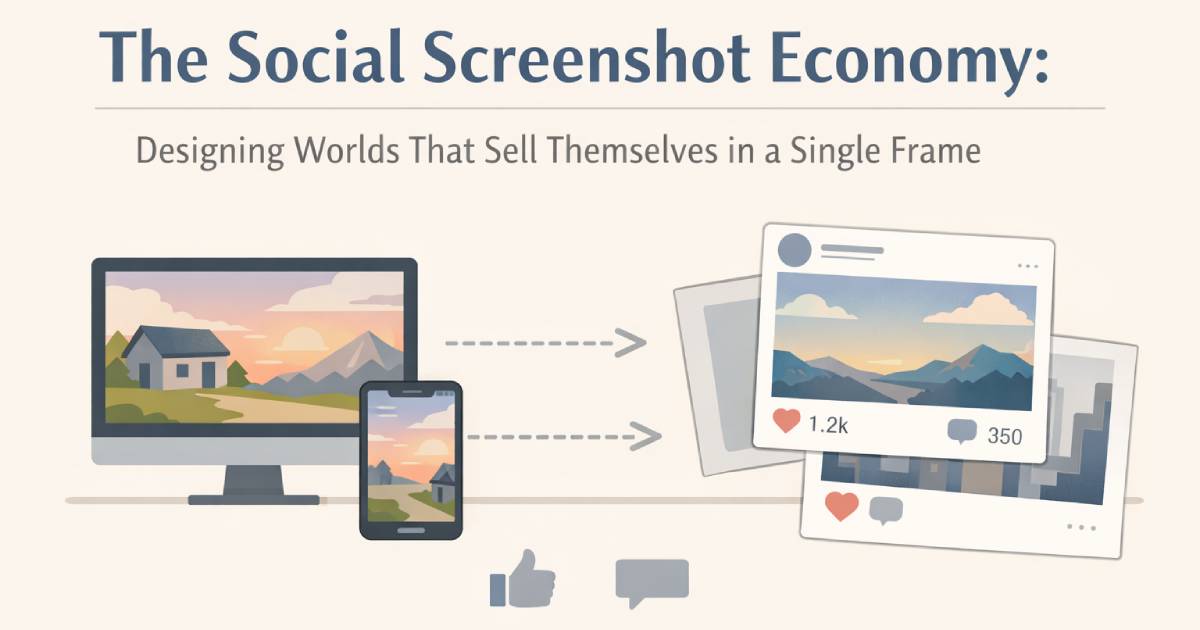
Why screenshots are now a growth channel, not a bonus?
If your game is a social world, your marketing isn't only trailers and ads-it's the player's camera roll.
Players share screenshots for identity (“this is my look”), for memory (“I was here”), and for proof (“I built this / earned this”). Research on screenshot behavior shows many screenshots are captured during moments of resonance rather than carefully planned, which means your world has to be “ready” at any second-not only during scripted cutscenes [8].
This matters even more in Web3 social games, where avatar fashion, land builds, and collectibles are part of the loop. When Pixels crossed 1 million daily active users, it proved that cozy, readable art can scale to mass audiences-and it also demonstrated how social-friendly aesthetics produce endless shareable frames [1][2]. Pixels' own marketplace positioning emphasizes an open-ended world of farming, exploration, and relationships-exactly the kind of content that turns into screenshots [3].
Meanwhile, photo modes have exploded as a player behavior and a product expectation, with industry commentary noting their rapid rise and how players actively share compositions across social platforms [4][6][7]. In short: screenshots are distribution.
So how do you design a world that wants to be shared?
Build “one-frame stories” into your environments
The easiest screenshots to share have a clear story. A great mental model: every high-traffic area should offer at least one framed narrative moment-a vista, a quirky sign, a cozy corner, a dramatic doorway.
A practical composition principle: craft focal points and leading lines so the player naturally lands on a “good photo” angle. As one composition-focused guide puts it, strong screenshots tell a story within the frame and use composition rules to stay captivating [9].
Art-direction tactics
The Hero Triangle: Design a triangle between (1) the avatar, (2) a readable prop/landmark, and (3) a reward cue (sparkle, sign, portal, rare object).
Landmark silhouettes: Make hubs recognizable from a single outline (giant windmill, neon arch, iconic statue).
Micro-lore props: Place small narrative clusters (a picnic blanket + lantern + note) that reward close-up shots.
Design “shareable lighting,” not just pretty lighting
Players share what's legible. If your night scenes are gorgeous but muddy, screenshots die in feeds.
Shareable lighting means:
Values are separated (foreground, subject, background).
The avatar reads in both bright and dark biomes.
Highlights guide the eye to the subject.
This connects to why photo mode is considered a mark of “quality” by many players: the better the lighting, posing, and camera controls, the more the community can produce professional-looking images [7].
Art-direction tactics
Create 2-3 “photography lanes” per biome: warm sunset lane, cool night lane, high-contrast neon lane.
Add subtle rim lights near social hotspots (stages, market stalls, guild halls).
Avoid noisy fog + noisy textures at the same time; pick one.
Color scripts that survive compression
Social feeds compress images aggressively. If your palette relies on delicate gradients, it will collapse into mush.
Pixels-style cozy worlds succeed partly because they use clear value ladders and iconic shapes that remain readable on small screens-useful for social sharing at scale [1][2][3].
Art-direction tactics
Choose a biome palette budget (example: 24-32 swatches) and protect contrast.
Reserve 1 accent color for “activity” (crafting, quest, event) so screenshots communicate what's happening instantly.
Use flat-ish midtones + crisp outlines on interactive objects (benches, stalls, crops, doors).
Photo-mode thinking even if you don't have photo mode
Not every game needs a deep photo mode, but every social world benefits from photo-mode thinking: pausable moments, clean framing, and readable silhouettes.
Player-facing “how to take better screenshots” advice is remarkably consistent: find dynamic action, use poses/expressions, adjust angles, and control clutter [5]. That's a clue for designers-build spaces and animations that make those choices easy.
Art-direction tactics
Add idle/emote loops designed for photos: wave, sit, dance, hold item, “show loot.”
Create “pose pads” in hubs: tiny marked areas with flattering lighting and background depth.
Provide optional UI hide and minimal UI modes for clean captures (even without full photo mode).
Stage your social hubs like sets, not lobbies
A “social hub” is basically a studio set for user content. If you want organic sharing, you need multiple “backdrops” inside a single hub: cozy café corner, neon plaza, rooftop garden, festival gate, crafting alley.
Photo-mode culture isn't just for single-player games anymore-articles discussing the rise of photo modes highlight how players share compositions as part of community identity [4][6]. Social hubs should be designed for that behavior.
Art-direction tactics
Build 3 camera distances into hubs:
Close-up selfie background (texture detail, readable signage)
Mid-shot social background (shopfronts, props, benches)
Wide-shot landmark background (iconic skyline element)
Add readable signage and “place names” so screenshots act like travel postcards.
Cosmetics that “photograph” well
In Web3, cosmetics often live on marketplaces and in social feeds at the same time. Your cosmetic design should be thumbnail-first and screenshot-proof.
Look at how games like Shrapnel emphasize premium cosmetics and marketplaces in coverage and in official featured listings-cosmetics are meant to be seen, flexed, and shared [10][11]. That visual economy rewards designs with strong silhouettes, controlled materials, and distinctive color blocking.
Art-direction tactics
Use shape language (not only color) to communicate rarity.
Build a “photo spec”: how does the outfit read against 3-4 common backgrounds?
Provide subtle signature details that show up in close-ups: embroidery, decals, edge highlights.
Create repeatable “screenshot rituals”
The most viral social worlds create traditions: weekly festival gates, seasonal landmarks, rare weather events, or limited-time props that become “proof I was there.”
Remember: screenshots are often captured impulsively during resonant moments [8]. Your job is to manufacture resonance on a schedule.
Art-direction tactics
Rotating hub installations (statue swaps, seasonal banners, event stages)
Timed “golden hour” lighting passes in key zones
Collectible photo spots (“stamp” the location in an album UI)
A practical checklist
Hotspot audit: Does every hub zone have a clear focal point and a clean background? [9]
Feed test: Export 12 screenshots → compress them → check if the subject still reads.
Emote kit: At least 8 emotes designed for photos (sit, wave, cheer, show item, group pose). [5]
Lighting lanes: 2-3 photogenic lighting moods per biome. [7]
UI options: Hide UI + minimal UI toggle for clean captures. [5][6]
Cosmetic photo spec: Each premium cosmetic must read at thumbnail scale and in a crowded scene. [10][11]
Event rituals: One scheduled “screenshot moment” players can anticipate weekly. [8]
Closing: if it doesn't screenshot, it doesn't travel
In 2025, social distribution is visual distribution. The worlds that grow fastest are the ones that make players feel like every frame is worth sharing-not because the game looks expensive, but because it looks intentional at the scale and speed of social feeds.
Design for the screenshot, and you design for discovery.
References
The Block — “Crypto video game ‘Pixels’ says it hit 1 million daily active users.” [Pixels DAU milestone]
BlockchainGamer.biz — “Pixels breaks 1 million daily active users” (includes daily wallets figure and date context).
Ronin Market — Pixels game page (game description and positioning).
GameScout — “Snapshot success – The explosion of Photo Mode in games.”
How-To Geek — “6 Tips for Getting Better Gaming Screenshots in Photo Mode.”
Photofocus — “The unspoken art of photo mode in gaming.”
TheGamer — “In 2025, Photo Modes Have Become A Mark Of A Quality Video Game.”
ACM Digital Library — “Why do people take Screenshots on their Smartphones?” (findings on resonance-driven capture behavior).
Patrick Hughes Game Design — “Screenshots and Composition.”
Decrypt — “‘Shrapnel’ Adds In-Game Marketplace on Epic Games Store…” (marketplace and premium cosmetics context).
Shrapnel — Official Marketplace (featured cosmetics examples and presentation).